Claude Training

Claude Training for Business Teams

Practical training that puts Claude to work on your organisation's own documents, communication and recurring tasks.

Hands-on sessions from a SETA-accredited facilitator, on-site at your offices in Durban, Johannesburg or Cape Town, with staff in other regions joining online.

Start With the Right Setup

Individual Plans or a Team Workspace?

Claude is available on individual plans and on business plans built for teams. The difference affects both what your team can do together and how your company information is handled.

Free, Pro and Max

Individual Plans

A great way for individuals to start. On these plans each user chooses whether their chats can be used to improve future Claude models, so staff need to know where that setting is and what company information should stay out.

Team and Enterprise

A Shared Team Workspace

Your content is not used for model training by default, with admin controls, shared projects and Skills that can be rolled out across the organisation. Training is built around the features your plan includes.

Real Work, Not Demo Examples

Your Team Brings the Tasks on Their Desk

Delegates work on what they're busy with right now, from long reports to client communication, and leave with results they can use the same day.

01

Long Documents and Reports

Summarise, compare and question contracts, policies and reports, and pull out exactly what matters for your decision.

02

Communication in Your Voice

Client emails, proposals and internal updates drafted in your organisation's tone, then refined rather than started from scratch.

03

Projects for Each Workstream

Keep the background documents and instructions for each client or project in one place, so Claude starts every task with the right context.

04

Skills for Recurring Tasks

Package the way your team does a recurring job, such as a weekly report or a quotation, so Claude does it the same way every time.

05

Connecting Your Tools

Where your plan and settings allow, connect Claude to tools your team already uses, such as Google Workspace or Microsoft 365.

06

Checking the Output

Verifying facts, spotting confident but wrong answers and knowing where human judgement has to stay in charge.

The Approach

From Single Chats to Systems That Repeat

Claude is at its best when it has good context and clear instructions. The training builds that habit first, then turns your team's best results into repeatable Projects and Skills.

01

How Generative AI Works

A clear, jargon-free understanding of what Claude is doing, where it shines and where it can get things wrong.

02

Prompting With a Framework

The GCSE and CRAFT prompt frameworks, so your team gets specific, useful results instead of generic answers.

03

Applied to Each Role

Every delegate applies what they learn to their own role, tasks and industry before they leave the room.

Our free prompt guides cover a wide range of roles and industries, and the prompts work in Claude. Your team leaves with a toolkit they can keep using.

Practising What We Teach

Trained by Someone Who Builds With Claude

Graeme Pitt has completed Anthropic Academy courses including Claude 101 and AI Fluency: Framework and Foundations, and uses Claude to build real work in his own business, including this website and the prompt guide library.

Anthropic Academy

Completed courses in AI Fluency, Claude 101 and Claude Cowork, so the training reflects how Anthropic itself teaches effective use.

Business Experience

Over 30 years in business and eight years of teaching, so sessions are grounded in how real teams work and built to make skills stick.

Wide Industry Range

Teams trained in manufacturing, hospitality, legal, finance, education and NGOs, along with many other industries.

Learning
Anthropic Academy Courses
Facilitator
SETA-Accredited
Delivery
On-Site or Online

See the full learning record →

Beyond the First Workshop

From Training to Your Own Systems

Claude training follows the same 5-Step AI Journey as all our programmes. Because teams can build their own Projects and Skills, it often leads naturally into the implementation steps.

Practical AI Productivity
Steps 1 and 2: understand Claude and use it confidently for everyday tasks
Team AI Fluency and Integration
Step 3: consistent, well-judged use built into how the whole team works
AI Implementation and Workflow Development
Steps 4 and 5: identify the right workflows, build practical solutions and measure the improvement
Support Along the Way
Questions by email or WhatsApp at no charge, with one-on-one coaching sessions available at an hourly rate

Using more than one AI platform across your business? We can train across all of them in a single programme.

Before We Talk

Five Questions That Shape Your Training

  • Which Claude plan does your team use: Free, Pro, Max, Team or Enterprise?
  • How many people would attend, and where are they based?
  • Which tools would you like Claude connected to, such as Google Workspace or Microsoft 365?
  • Which recurring tasks take up most of your team's time?
  • What would you most like your team to do better or faster?

Not using Claude yet? We can help you choose the right plan for your team before the training.

Send these questions in an email →
Proof, Not Promises

Don't Just Take Our Word for It

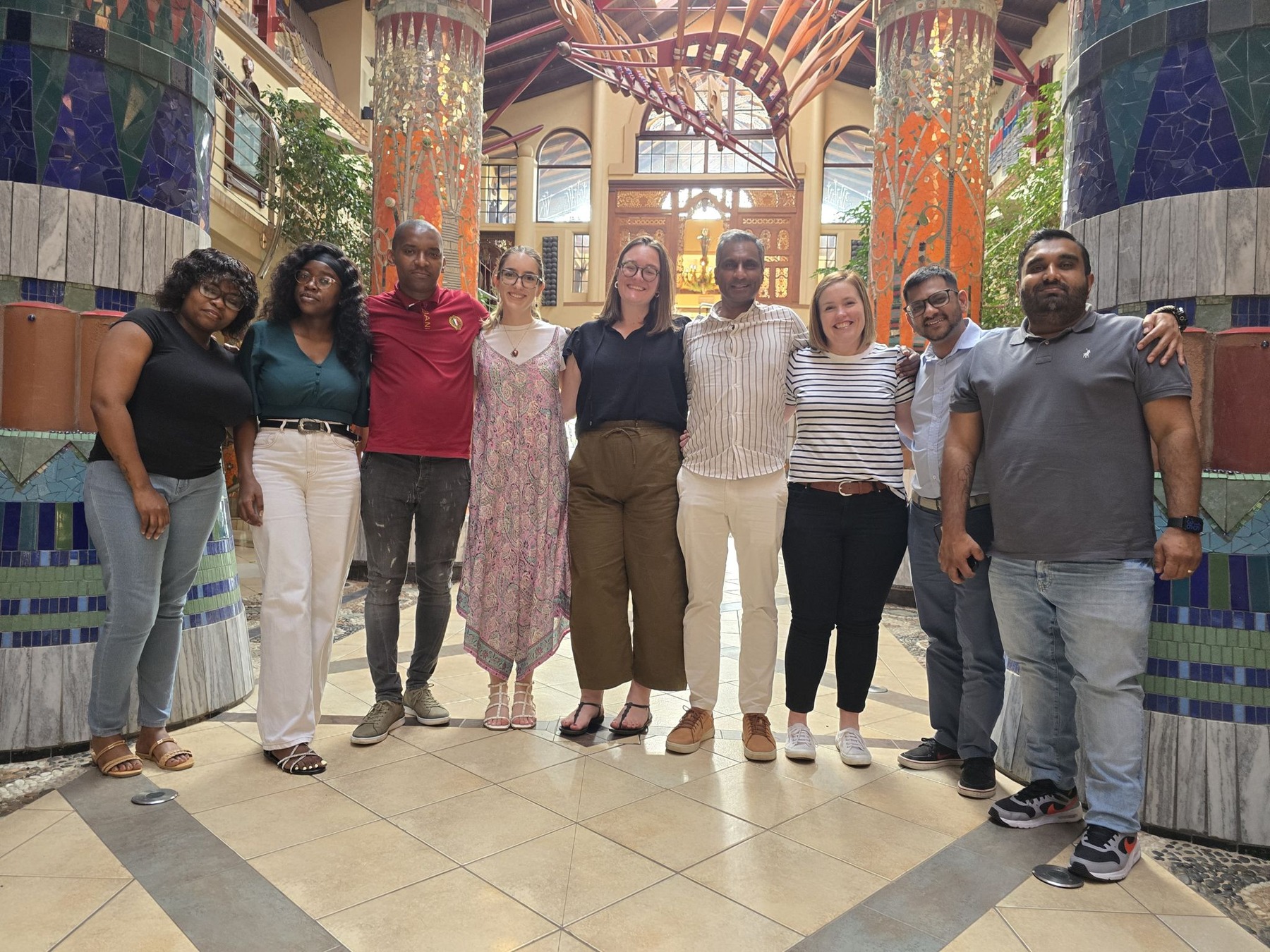
A professional services team at a Gen AI Innovation workshop

We've trained teams in manufacturing, hospitality, legal, finance, education and NGOs, along with many other industries. References are available on request.

Read client stories and results →
Let's Get Started

Let's Get Your Team Working Well With Claude

Tell us how your team uses Claude today and what you want to achieve, and we'll put together a proposal built around your organisation.

Gen AI Innovation is an independent training business and is not affiliated with Anthropic. Claude is a trademark of Anthropic.